Reconcile payment provider totals with KORONA Event totals
Use this article when the payment provider's dashboard shows a different total than KORONA Event for the same period and you need to explain the difference.
KORONA Event does not provide a direct accounting-system export; the comparison is built from report exports and invoice documents on the KORONA Event side and the provider's own reports on the provider side. For the full month-end handoff, use Prepare monthly finance exports; for a single event, use Reconcile one event after it ends. This article covers only the provider-versus-KORONA Event comparison method.
Before you start
Confirm:
- the period to reconcile and the currency
- which providers and, if used, which POS terminals took payments in that period
- access to the provider dashboard reports and to KORONA Event orders, invoices, and reports
Fix one date basis
This is the largest source of false differences. KORONA Event reports work with order dates such as the booked or created date; providers report by payment date and settle payouts days later. Pick one basis, state it in your reconciliation note, and map the other side to it. A payment taken on the last day of a month routinely lands in the next month's provider payout.
Pull the KORONA Event totals
- In the back office, open Sales > Orders and open the Reports panel.
- In Configure Report, select the metric Revenue, set the date filters to your period, and select Generate Report.
- Use Export CSV or Export Excel to keep the numbers with your note.
- Where enabled for your account, the revenue reports on the services pages break gross revenue from invoice and receipt line items down by event, product, or voucher.
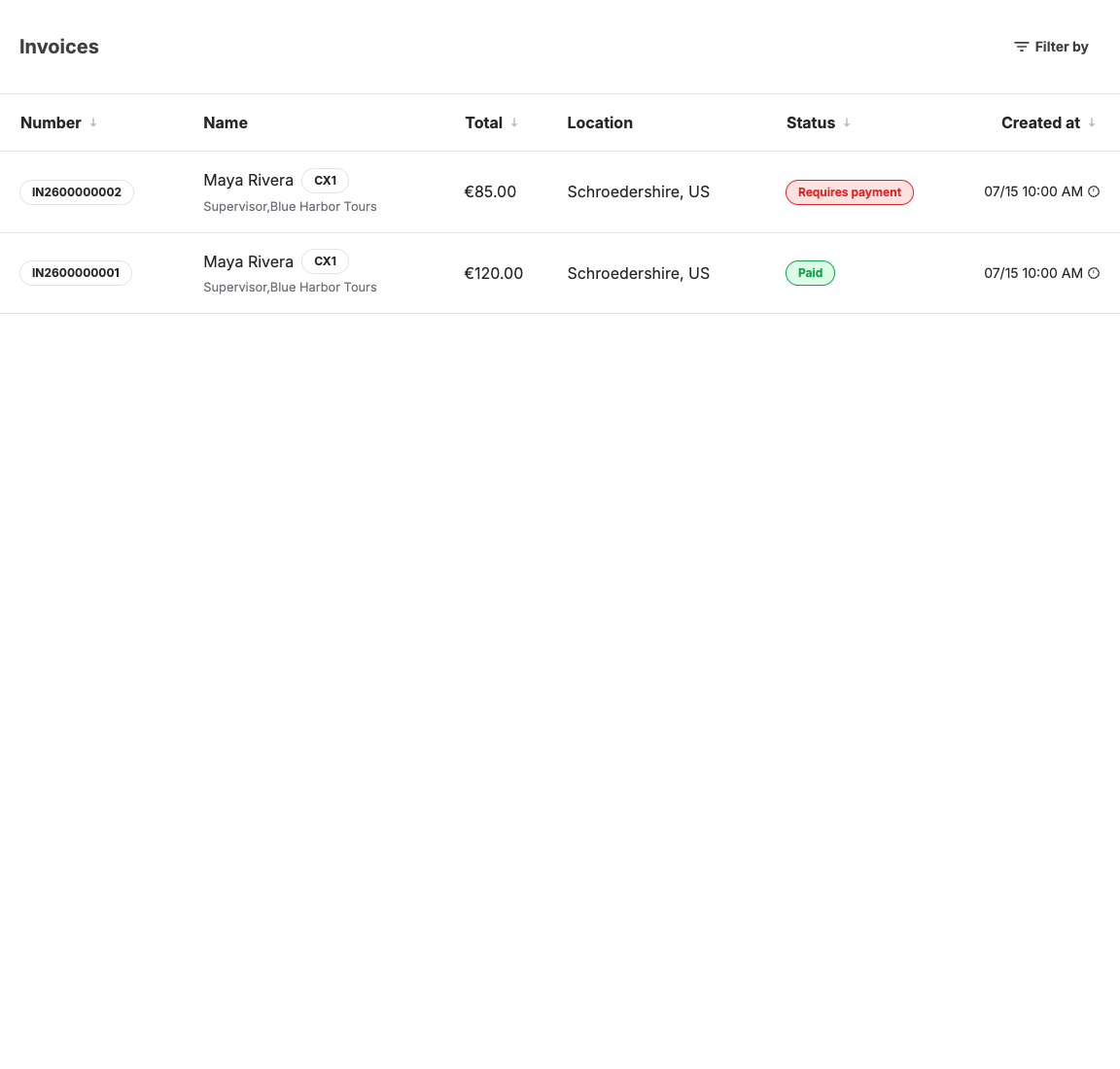
- Open Sales > Documents, filter the same period, and check the payment states — especially Requires refund and Requires payment items that inflate one side of the comparison. Use Download invoice for the documents finance needs.
KORONA Event totals are gross amounts. KORONA Event has no record of provider fees.
Pull the provider totals
From the provider dashboard for the same period, record:
- gross transaction volume
- provider fees
- net or payout amount
- refunds and their dates
- chargebacks or disputes
Compare gross to gross
Define the comparison scope before deciding that two gross totals should match. Record how the reconciliation treats:
- partially paid orders and orders split across more than one provider
- taxes, discounts, and voided or canceled transactions
- refunds and their effective dates
- currencies and any provider-side currency conversion
- provider-side transactions that have no KORONA Event order
Then compare the totals:
- Compare KORONA Event gross revenue for the in-scope provider-paid amounts against the provider's in-scope gross volume. Exclude cash, other providers, and out-of-scope provider transactions first; break the order report down by point of sale or order channel to separate them.
- Only then apply fees: provider net equals provider gross minus fees. Never compare a provider net payout directly against a KORONA Event gross total.
- Match partial and full refunds on both sides. A refund often carries a different date than its original payment, so it can fall into a different period on each side.
- Treat chargebacks and disputes as provider-side items. KORONA Event does not manage provider disputes as a separate state, so a chargeback can reduce the provider total without a matching KORONA Event change until staff record it on the order.
Reconcile POS terminal totals
Card payments taken on POS terminals settle through the terminal provider. Break the KORONA Event order report down by Point of sale and compare that slice against the terminal provider's settlement report. Cash taken at the POS never appears in any provider total; compare it against your cash records instead.
Expected result
For the scope you documented, provider gross and KORONA Event gross are either equal or every difference is explained by an explicit scope rule, fees, refund timing, chargebacks, pending or partial payments, currency conversion, provider-only transactions, or non-provider payments.
Troubleshooting
| Problem | What to check |
|---|---|
| Provider total is lower | Fees, refunds, chargebacks, and payments dated into the next period by the provider. |
| KORONA Event total is lower | Non-provider payments excluded on the provider side, canceled orders, and pending or failed payments. |
| Numbers drift only at month boundaries | Date basis and payout timing; re-run the comparison on payment dates. |
| A single order will not match | The order's invoices, refunds, and the provider dashboard transaction for that order number. |
| POS totals do not match terminal statement | The Point of sale breakdown, cash versus card split, and the terminal provider's settlement dates. |
