Understand checked in versus attended
KORONA Event records three different things that all sound like "attendance": the booked attendee A person connected to an event or admission ticket. Attendee data supports check-in, attendance lists, exports, and ticket details., the attendee's check-in state, and the entry events on the ticket. This article explains what each one means and which counts rely on it.
Booked attendees
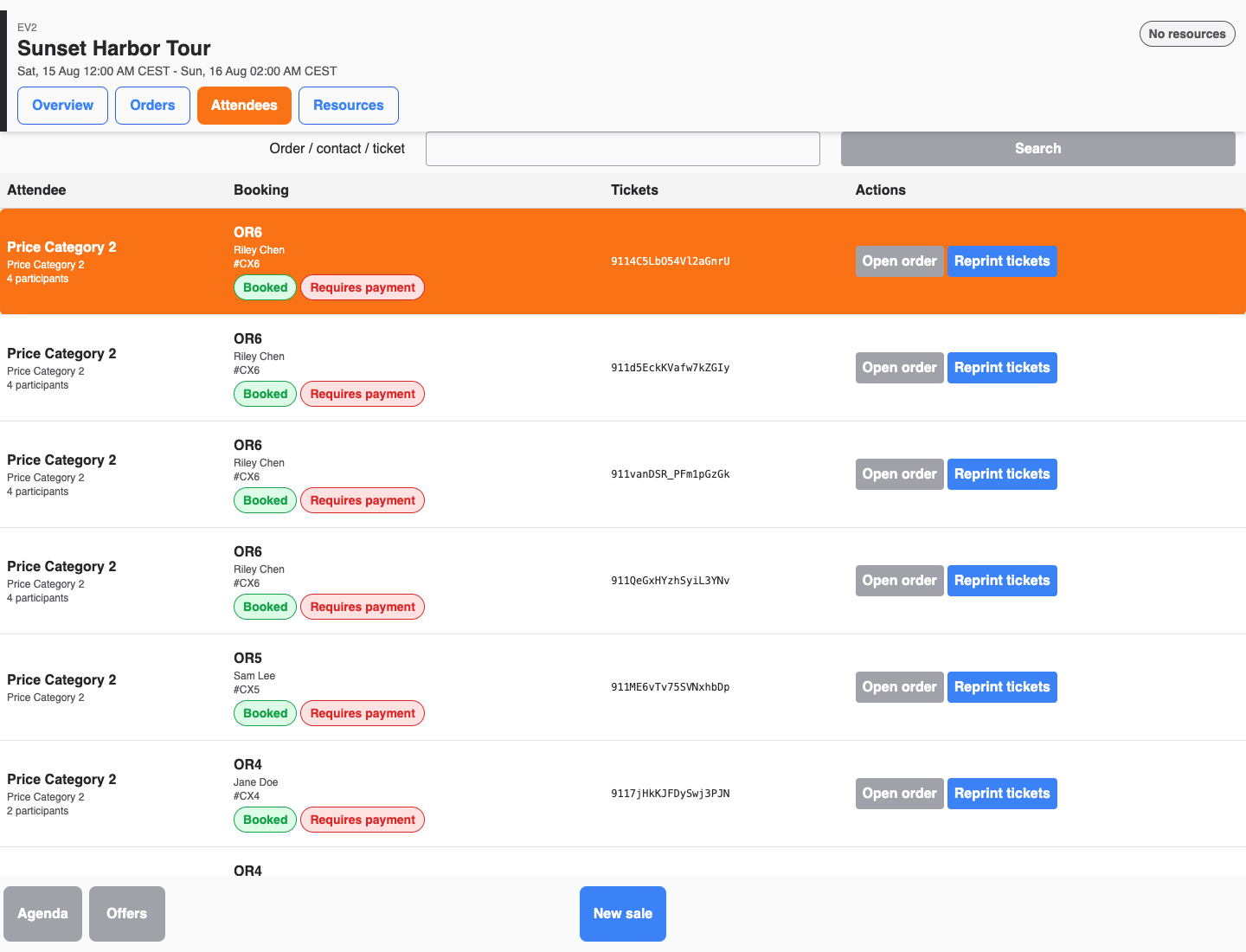
An attendee record is created when a ticket is sold, before anyone arrives. The attendee list under Sales > Attendees and the Attendees measure in reports count these booked attendees. The event list's Used capacity is also based on booked attendees — specifically those that count toward capacity, which you can inspect with the Counts toward capacity filter option.
A booked attendee says nothing about whether the person showed up.
Check-in state
Check-in marks that the person actually arrived. An attendee is checked in either:
- manually, with Check in (or Check in selected for a group) on the back office attendee detail, or
- automatically, when connected entry hardware records a successful entry scan — the scan becomes the check-in source.
Each attendee is checked in once; a second attempt is refused with Already checked in. The attendee row shows the check-in time and its source, and the attendee list offers the Checked in and Not checked in filter options. "Attended" in everyday reporting language means "checked in" — there is no separate attended state.
Attendance summaries in event, admission, event-template, and calendar views show Checked in X of Y, including a percentage. Y is the number of booked attendees; X is the subset with a check-in time. Reserved attendees do not enter either value until their reservation is booked. Canceled attendees and attendees removed from an order are excluded from both values. Price-category summaries apply the same rule within each category, and zero check-ins remain visible.
Ticket entry events
Underneath check-in, each ticket The customer-facing document or digital record used for entry, check-in, or proof of booking. keeps a log of events such as Entry recorded, Exit recorded, and Entry used up, each with a timestamp. This log is per ticket, not per person: a multi-entry ticket can record many entries over its validity, while its attendee's check-in state was set by the first successful entry. The attendee detail shows the last event; see Check ticket scan history where available for how to read it.
Which number to use
- How many tickets did we sell? Booked attendees — the Attendees measure in reports.
- How many people actually came? Checked-in attendees. Use the checked-in summary for a quick total. For detail, follow its attendee-list link or break an attendee report down by the Check-in Status dimension; attendance-list exports include the same check-in status per attendee.
- How often was a season or multi-entry ticket used? The ticket's entry events, not check-in.
- Who did not show up? Attendees still Not checked in after the event — the starting point for Handle no-shows.
Common decisions
- Compare booked versus checked-in attendees per event to measure show rate.
- Filter Not checked in shortly before start time to see who is still expected.
- Do not use Used capacity as an arrival count — it reflects sales, not entries.
