Set up scanners and entry hardware
Use this to connect entry scanning to KORONA Event before your first scanned event.
KORONA Event does not scan tickets itself. Scanners and gates are operated by KORONA.entry; the integration records each scan result on the ticket The customer-facing document or digital record used for entry, check-in, or proof of booking. in KORONA Event. Check-in actions stay in the back office attendee detail.
Before you start
Confirm:
- you have the URL, username, and password for your KORONA.entry server
- you can log in to KORONA.entry to configure event receivers
- you have back-office permission for Integrations
Connect KORONA.entry
- In the back office, open Admin > Integrations.
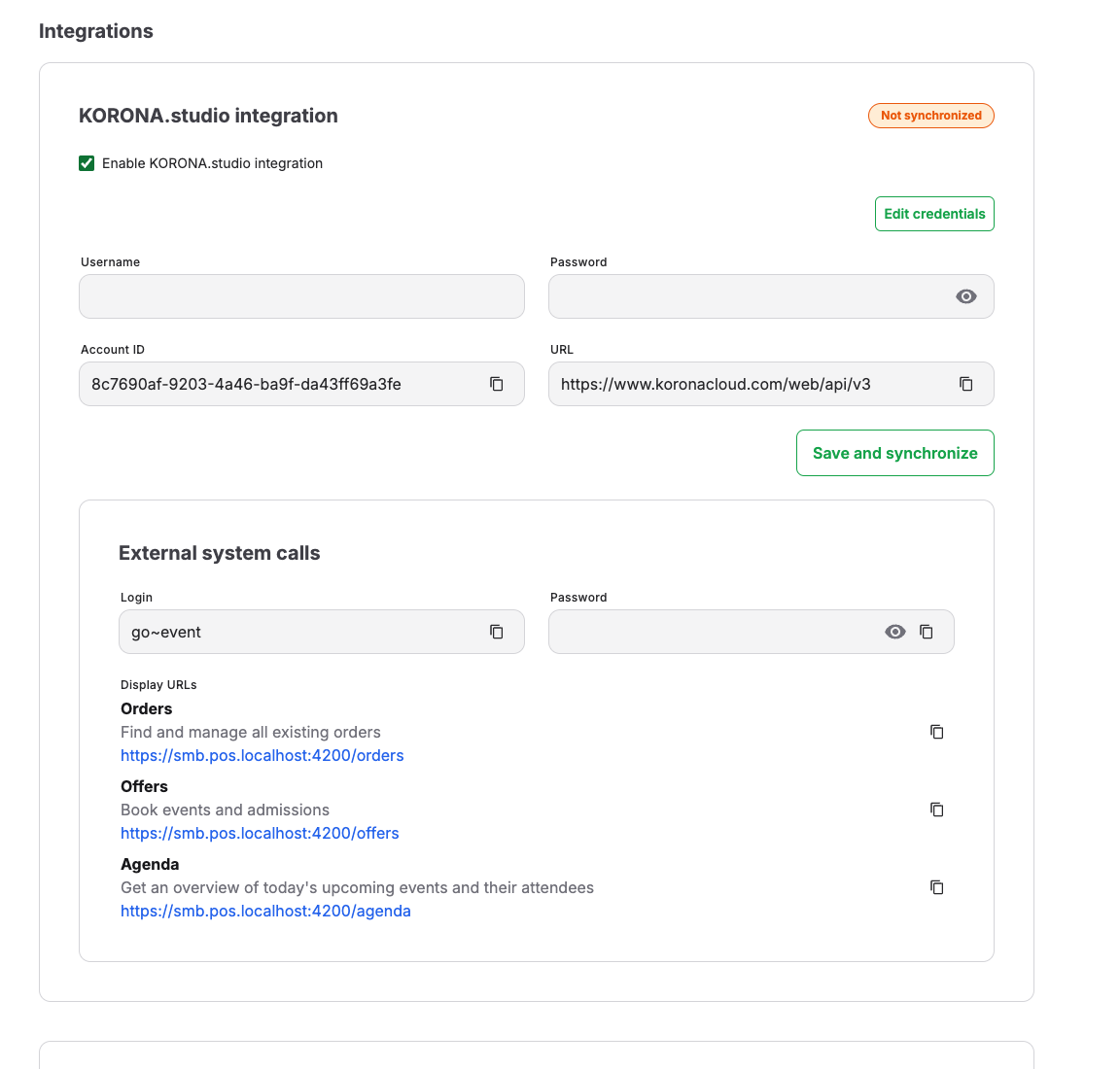
- In the KORONA.entry Integration section, enter the URL, Username, and Password.
- Save and synchronize. A success message confirms the connection.
Activate entry webhooks
Webhooks are how scan results flow back into KORONA Event:
- In the Entry webhooks section, select Generate entry webhook values. KORONA Event generates a Webhook base URL, a Name, a Webhook username, and a Webhook password.
- Log in to KORONA.entry, open "event receivers", create a new event receiver, and copy the generated values into that form.
- Under Events to activate, activate binding ticket validations, non-binding ticket validations, Ticket creations, and Ticket updates.
- Back in KORONA Event, the section shows Active once events arrive, including the last received event time.
How scans reach KORONA Event
Each validation from KORONA.entry is recorded as a ticket event on the matching ticket, visible in the back office attendee detail as, for example, Entry recorded, Exit recorded, or Entry used up. A successful entry also checks the matching attendee in automatically, with the scan recorded as the check-in source. Rejected scans are handled at the gate; staff resolve them from the back office as described in Scan tickets at the entrance.
Fallback process
If scanners are offline or a ticket will not scan, staff look attendees up in the POS or under Sales > Attendees in the back office and record entry manually with Check in. See Handle scanner or hardware downtime.
Printers
KORONA Event has no printer configuration. Receipt and ticket printing at the counter is handled by the connected KORONA POS and its own printer setup; follow the POS system's documentation for printer hardware.
Expected result
The Entry webhooks section shows Active with a recent last-received event, and test scans appear as ticket events on the attendee detail within moments of scanning.
Troubleshooting
| Problem | What to check |
|---|---|
| No scan events arrive in KORONA Event | The event receiver in KORONA.entry uses the exact generated webhook values, and the activated event types include ticket validations. |
| Webhooks show no recent received event | Whether the entry server is online and can reach the Webhook base URL from its network. |
| Valid tickets rejected around date edges | The KORONA.entry server time zone matches the time zone shown in the integration warning. |
| Gate does not know a freshly sold ticket | Synchronization state of the integration and whether Ticket creations events are activated. |
