Contact KORONA Event support with useful details
- Last verified
- Last verified Oct 9, 2026
Use this before you contact KORONA Event support or your KORONA partner. A report that names one concrete record, the exact error, and the exact time is usually resolved in one round trip; "checkout is broken" is not. To check whether a guide already covers the problem, start with Find the right troubleshooting guide.
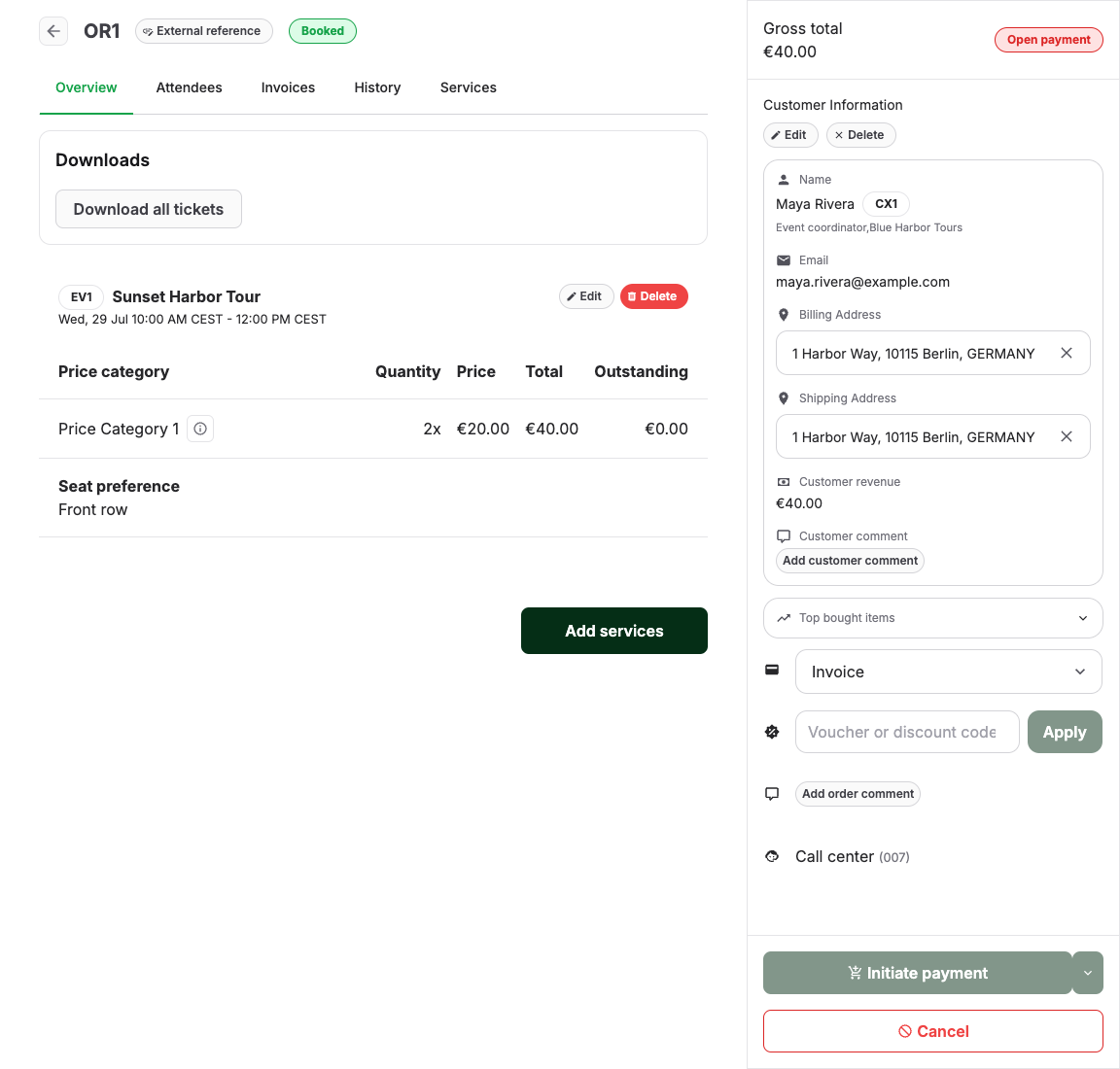
Always include
- One concrete example. An order number, invoice or receipt number from Sales > Documents, ticket number, or customer email that shows the problem. One precise example beats ten vague ones.
- The exact error text, word for word, or a screenshot of it. Do not paraphrase — the wording identifies the failing step.
- Date and time of the attempt, with timezone. "Yesterday afternoon" cannot be matched against logs; "2026-07-11 14:32 CEST" can.
- Scope. One customer or all customers; one offer, one shop, one POS, or everything; since when.
- Recent changes. Prices, domains, payment settings, templates, credentials, integrations — anything changed shortly before the problem started.
What to add per issue type
| Issue type | Add these details |
|---|---|
| Order or ticket | Order number, order state, payment state, invoice or receipt state, what Attendees and Downloads show, relevant History entries |
| Payment | Order and invoice or receipt number, provider, payment method, open amount, provider dashboard reference, customer country and device |
| Checkout or shop | Public shop URL used, exact customer-facing error, step where it fails, device and browser, whether you could reproduce it |
| POS or entrance | Which POS or scanner, event and date, ticket number, the rejection reason shown, and the fallback used |
| Integration | The evidence table from the integration checklist: system, direction, identifiers on both sides, time, recent changes |
| Report or finance | Both mismatching numbers, the exact report and filters behind each, and the date basis used |
| Order number, recipient address, the History email entry (timestamp, subject, attachments), and what the customer received |
The relevant checklist article for each row is linked below — running it first often removes the need for a ticket, and always improves the one you send.
Expected result
Support can reproduce or locate the problem from your first message, without asking for the order number, the error text, or the time of the attempt.
Related articles
- Find the right troubleshooting guide
- Online booking or checkout is not working
- A ticket was not generated
- A payment link cannot be created or opened
- Report totals do not match
- Emails are missing or incomplete
- External booking or ticket sync failed
- Integration troubleshooting checklist
- Check payment provider setup
