Customer subscriptions are not annual passes
- Last verified
- Last verified Jul 12, 2026
Use this when deciding whether Settings > Subscriptions can support an annual pass or membership workflow.
What customer subscriptions do
When this feature is enabled, a custom subscription can:
- show a customer-facing checkbox under Marketing preferences during online shop registration and checkout
- let signed-in customers review or change that selection on Account > Profile (including opting out)
- let staff review or change that selection under Sales > Customers > Consents
- define whether selecting it allows marketing contact
- select recipients for scheduled emails
Create custom subscriptions under Settings > Subscriptions. To show one in the shop, open Shops, select the shop, open Checkout, and enable it under Subscriptions.
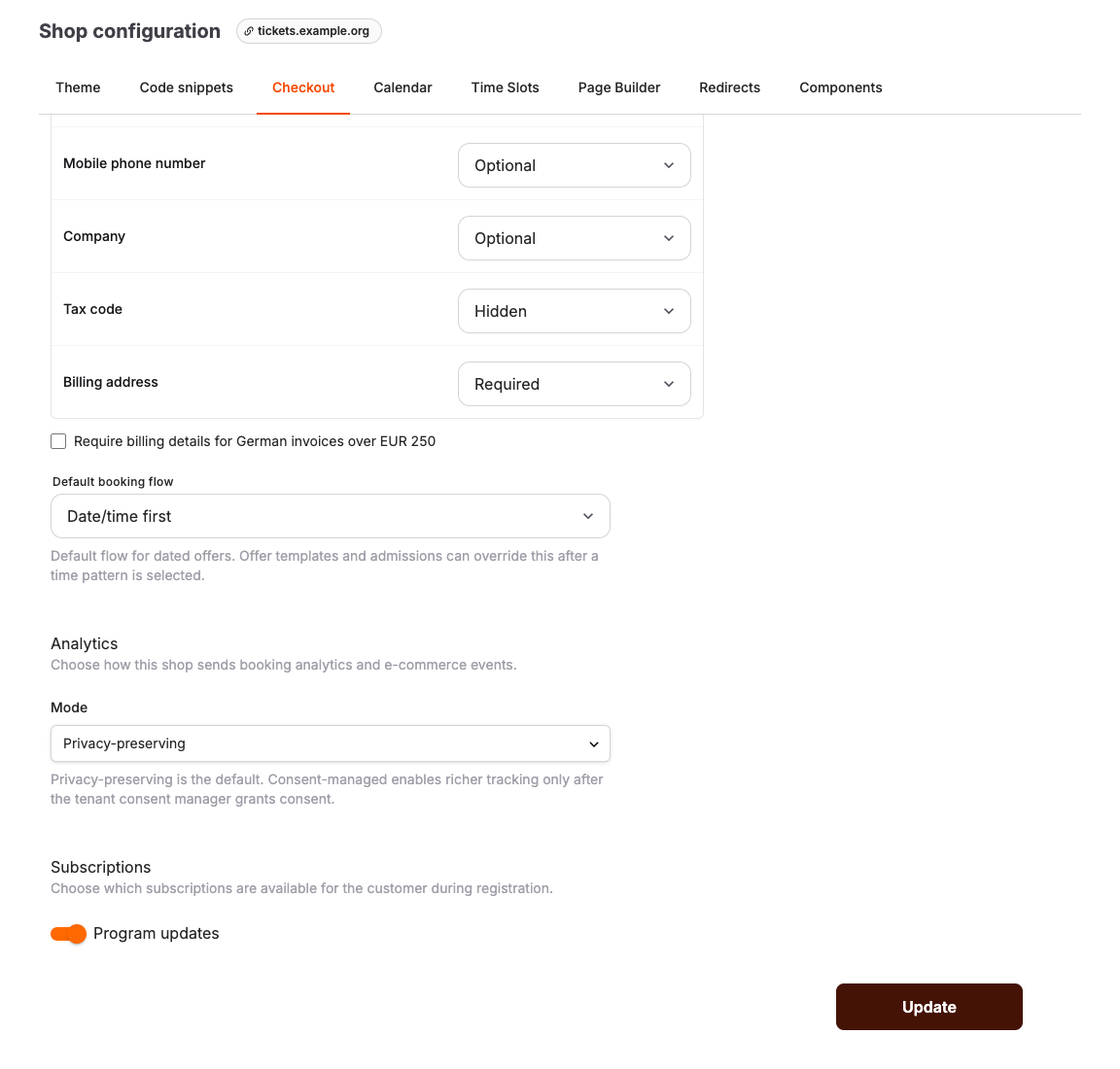
Subscriptions imported from bLoyal are different from custom subscriptions: they represent bLoyal subscriber groups and can sync membership selection for a linked customer. bLoyal remains responsible for any member pricing or coupon behavior.
What customer subscriptions do not do
| Annual-pass requirement | Subscription behavior |
|---|---|
| Sell a pass | No product, price, order, or payment is created. |
| Track validity | No start date, end date, remaining uses, or validity state is stored. |
| Renew a pass | No renewal date, renewal payment, or replacement entitlement is created. |
| Collect a photo | No pass-photo upload or approval workflow is provided. |
| Grant entry or a discount | A custom subscription grants no entry or pricing benefit. bLoyal benefits are calculated by bLoyal. |
If your organization sells annual passes
Identify the actual system that owns the pass product, payment, validity, renewal, photo, and entry checks. This may be an external membership system or an account-specific workflow. Do not use a custom subscription checkbox as proof that a pass was purchased or is currently valid.
Before publishing customer instructions, confirm that full workflow with the team that owns the membership integration or contact KORONA Event support with the account and integration details.
