Check membership benefits
Use this when a customer claims a membership benefit — a member discount, a member email, or member access — and you need to confirm what their profile actually carries. Most "missing benefit" cases are identity problems: the benefit sits on a different customer record than the one the customer used.
Before you start
- Get the exact email address the customer used for the purchase in question.
- Know whether your memberships are managed in KORONA Event subscriptions or in an external bLoyal system.
Find the right customer record
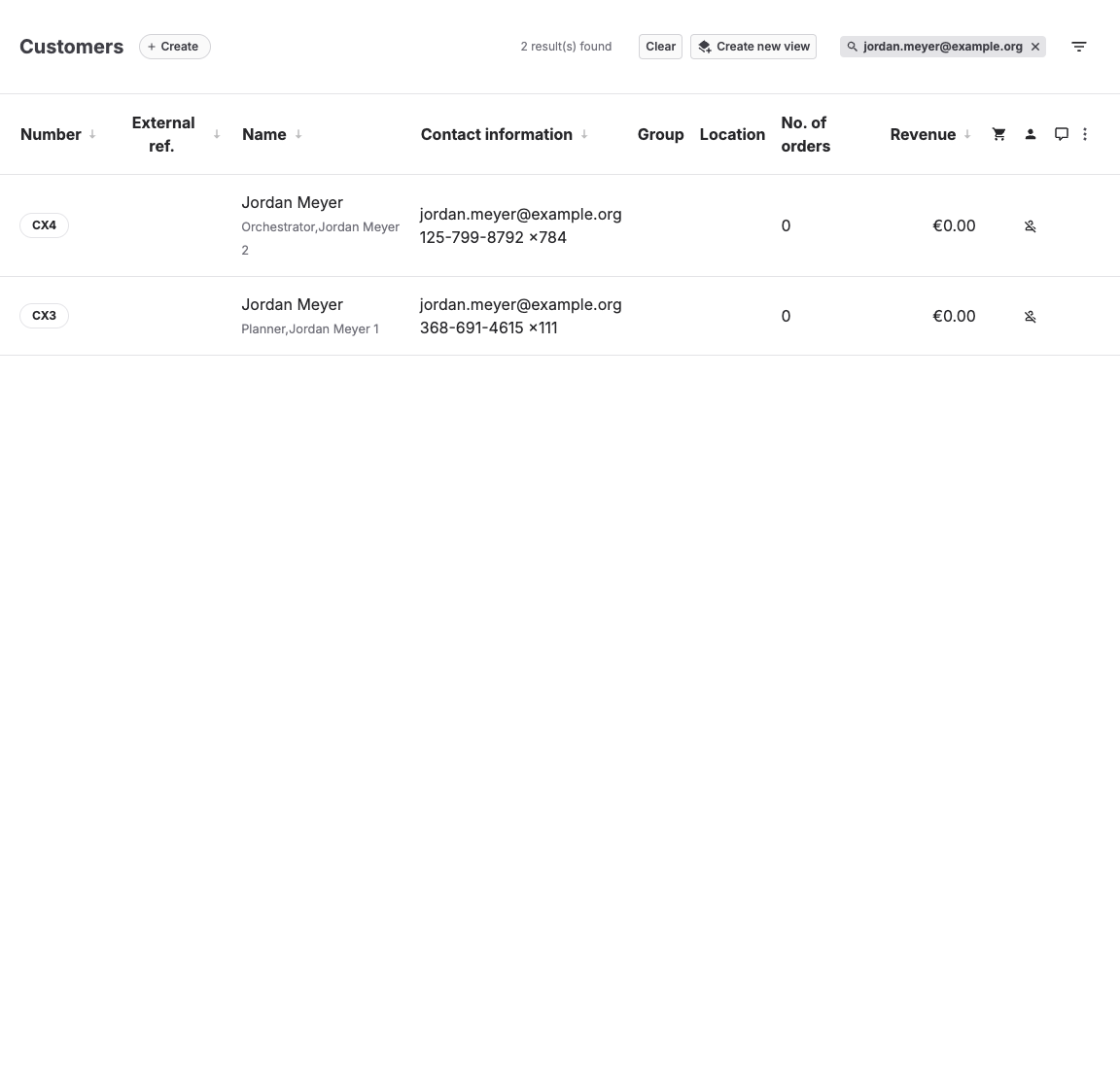
- Open Sales > Customers and search for the exact email address.
- If several records match the person, note all of them — the membership may sit on a record the customer did not use at checkout. See Clean up duplicate customer records.
Check the customer's subscriptions
- Open the customer and select the Consents tab.
- The Subscriptions section lists each subscription with a toggle showing whether this customer is signed up. The Marketing Preferences section shows marketing consent, which scheduled member emails may require.
- The customer Overview tab also shows a Subscriptions summary and the customer's External ref. where one is set.
Subscription definitions live in Settings > Subscriptions. Each subscription stores only a Name, the checkbox text customers see, whether it Allows marketing contact, and its Type (bLoyal or Custom). A subscription by itself carries no discount — it identifies who is a member, and scheduled emails can target it.
Check bLoyal memberships
Where memberships come from bLoyal:
- Confirm the customer's External reference is set — it links the KORONA Event record to the bLoyal customer. A bLoyal-type subscription cannot be enabled on a customer without one.
- Confirm the subscription of type bLoyal is toggled on for this customer in the Consents tab.
- Check the integration in Admin > Integrations under bLoyal Integration; Import subscriptions pulls the subscription definitions from bLoyal.
Member pricing and coupons for bLoyal members are calculated by bLoyal during checkout when the customer is linked. If the link and the subscription look correct but the benefit still does not apply, continue with Integration troubleshooting checklist.
When a benefit is not applied
Work through these in order:
- Was the purchase made while logged in or with the email of the record that holds the membership?
- Is the subscription toggled on for that record in the Consents tab?
- For bLoyal memberships: is the External reference present and the integration healthy?
- Is the "benefit" actually a coupon or voucher rather than a membership? Then continue in A coupon, voucher, or membership does not work.
Expected result
You can state which customer record holds the membership, whether the subscription is active on it, and — for bLoyal — whether the external link exists, before deciding between fixing the record and escalating to support.
Troubleshooting
| Problem | What to check |
|---|---|
| Subscription toggle is disabled | For bLoyal-type subscriptions, whether the customer has an External reference. |
| Benefit applied for others, not here | Duplicate customer records and which record was used at checkout. |
| No subscriptions listed | Whether subscriptions are defined in Settings > Subscriptions and imported from bLoyal. |
| Member email never arrives | Marketing consent, the targeted subscriptions on the scheduled email, and the customer email address. |
