Troubleshoot Klarna and pay-by-link payment methods
Use this article when a payment method such as Klarna appears in the online shop checkout but not on a payment link, appears but cannot be completed, or is requested by a customer and never appears at all.
The shop checkout and the payment link page draw from the same list of activated payment methods, but they are separate pages that can be served from different domains and do not support the same set of provider flows. Work through the checks in order.
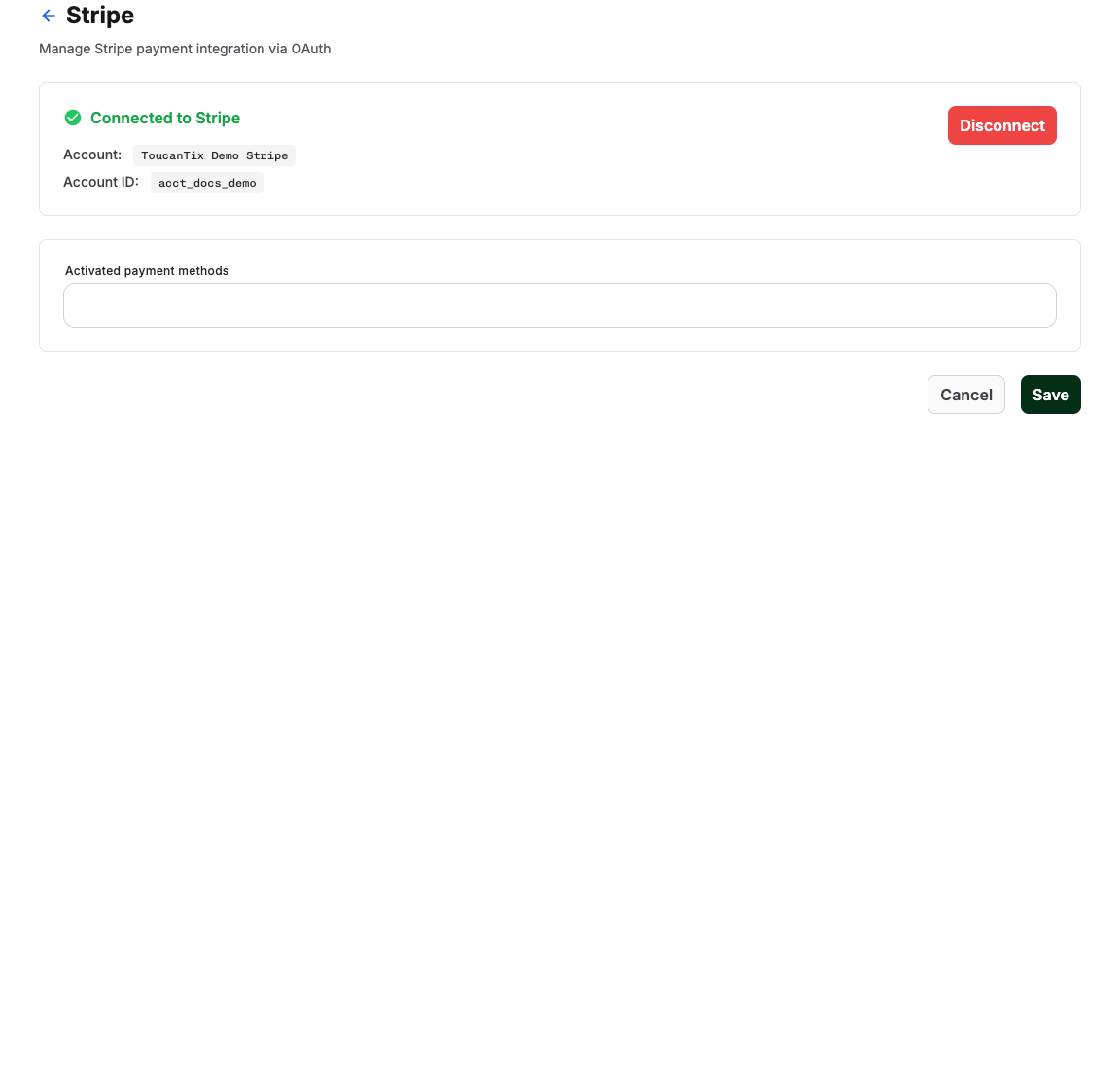
Check whether the provider supports the method
Start with the payment methods matrix in Payment setup overview. Klarna, for example, is available through the Stripe and Saferpay integrations only. If your account uses a provider without the method, it cannot appear in any flow.
Some methods a provider knows about are not exposed through the general KORONA Event checkout selector at all. The matrix marks these as not available in checkout; they cannot be enabled by configuration on your side.
Check whether the flow supports the provider
Payment links support the Stripe, PayPal, Saferpay, and Authorize.Net payment flows. If a method is offered through another provider integration, it can appear in the shop checkout but never on a payment link. This is expected behavior, not a configuration error.
Expect provider-side eligibility differences
Even when a method is activated and the flow supports it, the provider decides eligibility at payment time. For Klarna and similar financing methods, the customer's country, the currency, the amount, and the provider's account approval all affect whether the method is shown or accepted. Two customers opening the same checkout can see different method lists.
Check the domain difference
Payment links can open on the online-shop domain or the back-office domain. Check the domain shown after opening the link, including any redirect. Methods that depend on per-domain setup — Apple Pay and Google Pay in particular — can therefore appear in the shop checkout but not on a payment link, or the other way around. See Troubleshoot wallet payments for the domain checks.
Check the link itself
- Confirm the order or invoice still has an open amount and is not canceled or expired.
- Payment links are time-limited. A link stops working one week after the invoice due date, or one week after it was generated, whichever is later. If the order is still valid and the amount is still open, resend the latest order email when it is the payment request, or reload the order or invoice and copy the newly generated link into a separate approved message instead of debugging the old one.
- Confirm test mode versus live mode; test methods differ from live methods.
Expected result
You can tell configuration problems (method not activated, provider not connected) apart from supported flow differences, provider-side eligibility, domain-dependent wallets, and expired links.
Troubleshooting
| Problem | What to check |
|---|---|
| Method missing in shop checkout and payment link | Provider support in the matrix, activated methods, provider connection, test vs. live mode. |
| Method in shop checkout but not on payment link | Whether the provider flow is supported for payment links; domain-dependent wallet methods. |
| Klarna shown but declined | Customer country, currency, amount, and provider account approval; the provider dashboard log. |
| Method appears for some customers only | Provider-side eligibility by country, device, or currency. This is decided by the provider. |
| Payment link opens with no methods | Open amount, order and invoice state, link age, and provider connection. |
