Clean up duplicate customer records
Use this when the same person appears more than once in Customers.
Before you start
KORONA Event does not provide a customer merge action. Contact KORONA Event support when records must be merged instead of manually changing order history.
Steps
- Open Sales > Customers.
- Search by email or full name. Phone numbers are not searchable; compare them after opening the records.
- Open each likely duplicate in a separate tab.
- Compare customer name, email, phone, billing address, login state, subscriptions, external reference, and order history.
- Decide which record is primary according to your team's rule.
- Correct obvious contact details only when you are sure they belong to that customer.
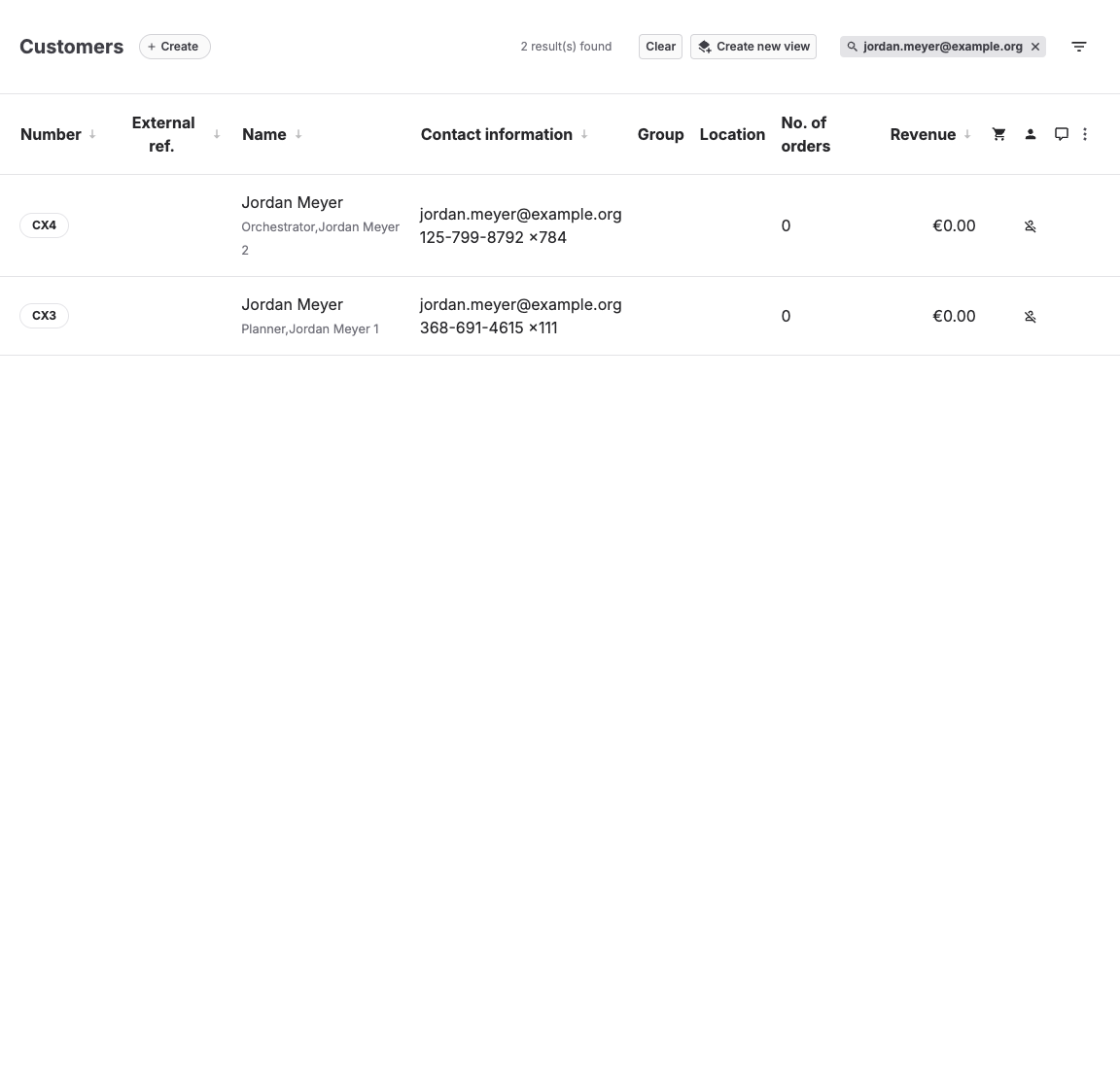
What to compare
| Field | Why it matters |
|---|---|
| Login and communication often depend on email. | |
| Phone | Helps distinguish family or group buyers. |
| Orders | Moving or merging order history can affect support and finance. |
| Memberships | Benefits may depend on the correct customer identity. |
| External reference | Integrations may own the customer number. |
Expected result
Staff identify the correct customer record for daily work without manually moving or rewriting order history.
Troubleshooting
| Problem | What to check |
|---|---|
| Two customers share one email | Login state, guest checkout history, and whether one is an imported record. |
| Membership benefit is missing | Customer identity, subscription, external reference, and duplicate records. |
| Records must be merged | Do not improvise. Contact KORONA Event support before changing either record. |
