External booking or ticket sync failed
Use this when a record exists in KORONA Event but not in a connected system (or the other way around): a ticket that will not scan at the entrance, a booking imported from an external system that looks wrong, a customer or membership that does not match.
For general connection settings, use the Integration troubleshooting checklist.
1. Decide which system owns the record
Every synced record has an owning system — the one where it was created. A booking sold in an external system and imported into KORONA Event is owned by the external system; a ticket sold in KORONA Event and validated by entry hardware is owned by KORONA Event. Fixes belong in the owning system; editing the copy usually makes the mismatch worse or gets overwritten.
2. Match the record on both sides
Use an identifier for the same record in each system:
- KORONA Event side: order number, ticket number, invoice or receipt number, customer email, or the External reference on the customer record
- External side: the external booking ID, ticket code, or customer ID
A "sync failure" where the identifiers do not actually refer to the same record is a data mismatch, not a sync problem — duplicate customers are a frequent cause; see Clean up duplicate customer records.
3. Check the integration connection
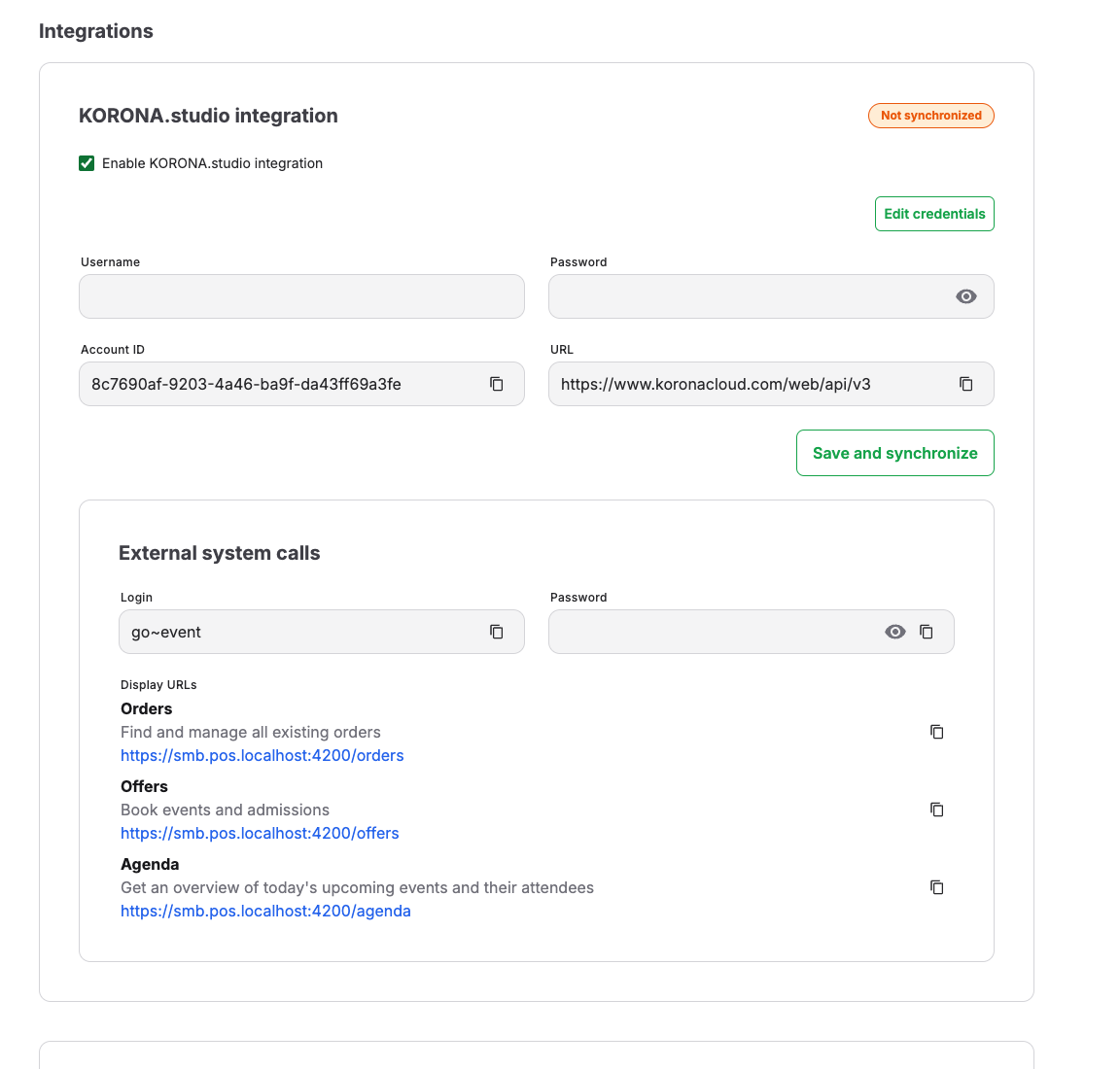
Open Admin > Integrations and confirm the affected integration is enabled and its credential fields are present. If credentials were rotated recently, both systems may need the change — use Edit credentials only when you are an authorized admin, and never paste secrets into tickets or screenshots.
4. Check the external system's status
Confirm the external system itself is reachable and shows no outage or error for the same time window. A scan rejected by entry hardware, for example, needs the checks in Scan tickets at the entrance before it can be blamed on sync.
5. Retest one known record
After changing credentials, configuration, or data, retry the affected action with one known record. Existing missed records may not be replayed automatically; contact KORONA Event support before recreating or editing them manually.
Expected result
The integration is connected and the affected record is synchronized from its owning system without creating a duplicate.
