Investigate missing customer data on receipts
Use this article when a finance export, a document, or a list row shows no customer name, email, or address, and you need to decide whether data is missing or was never collected.
Why some sales have no customer
Two document types record sales:
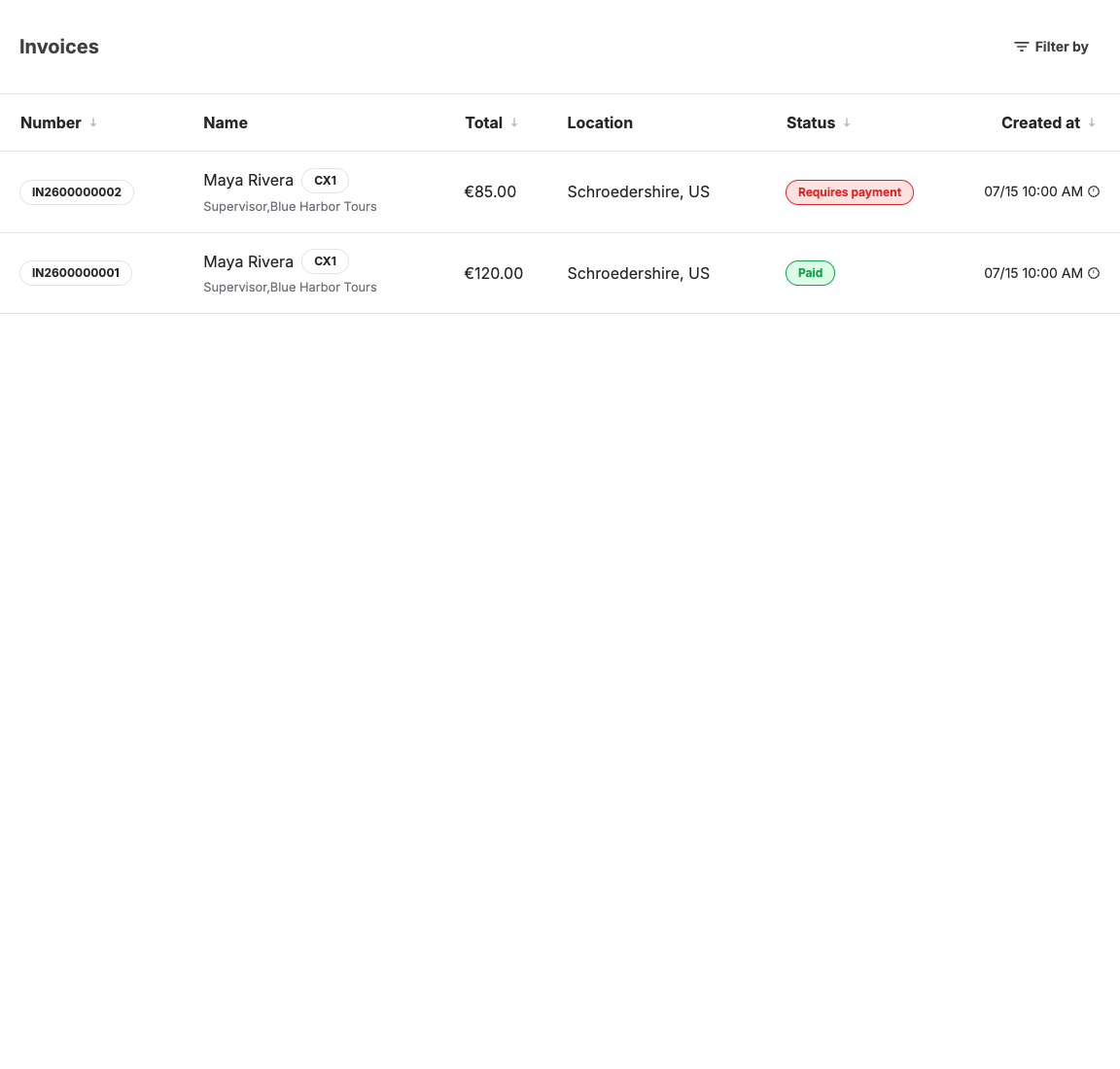
- An invoice is created by KORONA Event and always references a customer record; it can also carry a billing address. Online orders collect the customer's contact details during checkout, so their invoices show customer data — including guest checkouts, where the customer enters details without creating a login.
- A receipt is a POS document imported from the KORONA POS system. A walk-up POS sale does not require a customer, so an imported receipt carries customer data only when a customer or an order was linked to the sale at the register. This is expected behavior, not data loss.
Reports and exports inherit this: rows that trace back to a receipt-only POS sale have empty customer columns.
Checks, in order
- Find the sale. Open Sales > Orders and check the Customer column for the order. If there is no order — only a receipt number — the sale was a POS sale without a linked order, and no customer data exists for it in KORONA Event.
- Check the document type. Open the order's Documents tab or Sales > Documents. POS documents show receipt types such as Receipt, Receipt Cancellation, or Receipt Void; a receipt without a linked customer shows none of the customer's details.
- Check the invoice address. An invoice can exist without a billing address when none was entered. Existing invoices keep the details they were created with; corrections to the customer record apply to future documents — see Correct customer or invoice address details.
- Check for a guest checkout. A guest customer has a customer record with the checkout details but no registered login. Missing fields there mean the shop did not ask for them, not that the data was dropped.
- Check the POS side. For receipt-only sales, whether a customer was attached is determined in the KORONA POS at sale time. Ask the POS operator whether customers are selected at the register for the sale type in question; KORONA Event cannot add customer data to a receipt after import.
