A coupon, voucher, or membership does not work
Use this when a customer reports a rejected code, a voucher that will not redeem, or a missing member benefit. First identify which of the three you are dealing with — they fail for different reasons:
- A coupon (discount code) changes the order price when entered in the cart.
- A voucher carries a purchased balance or entitlement the customer redeems later.
- A membership gives member prices through the customer group of the customer who bought it. It applies only to orders that belong to that customer record.
Coupon code is rejected
- Check spelling and leading or trailing spaces in the code the customer typed, and whether the code was already applied to the cart.
- In KORONA.studio, check the Couponing Promotion status, validity, eligibility, redemption limit, and assigned points of sale.
- In KORONA Event, open Admin > Integrations and record Last successful synchronization.
- If the discount amount looks wrong rather than rejected, compare the benefit and qualifying items in KORONA.studio with the cart.
Do not use the deprecated KORONA Event Settings > Promotions page for new campaigns. Details are in Create a couponing promotion in KORONA.studio.
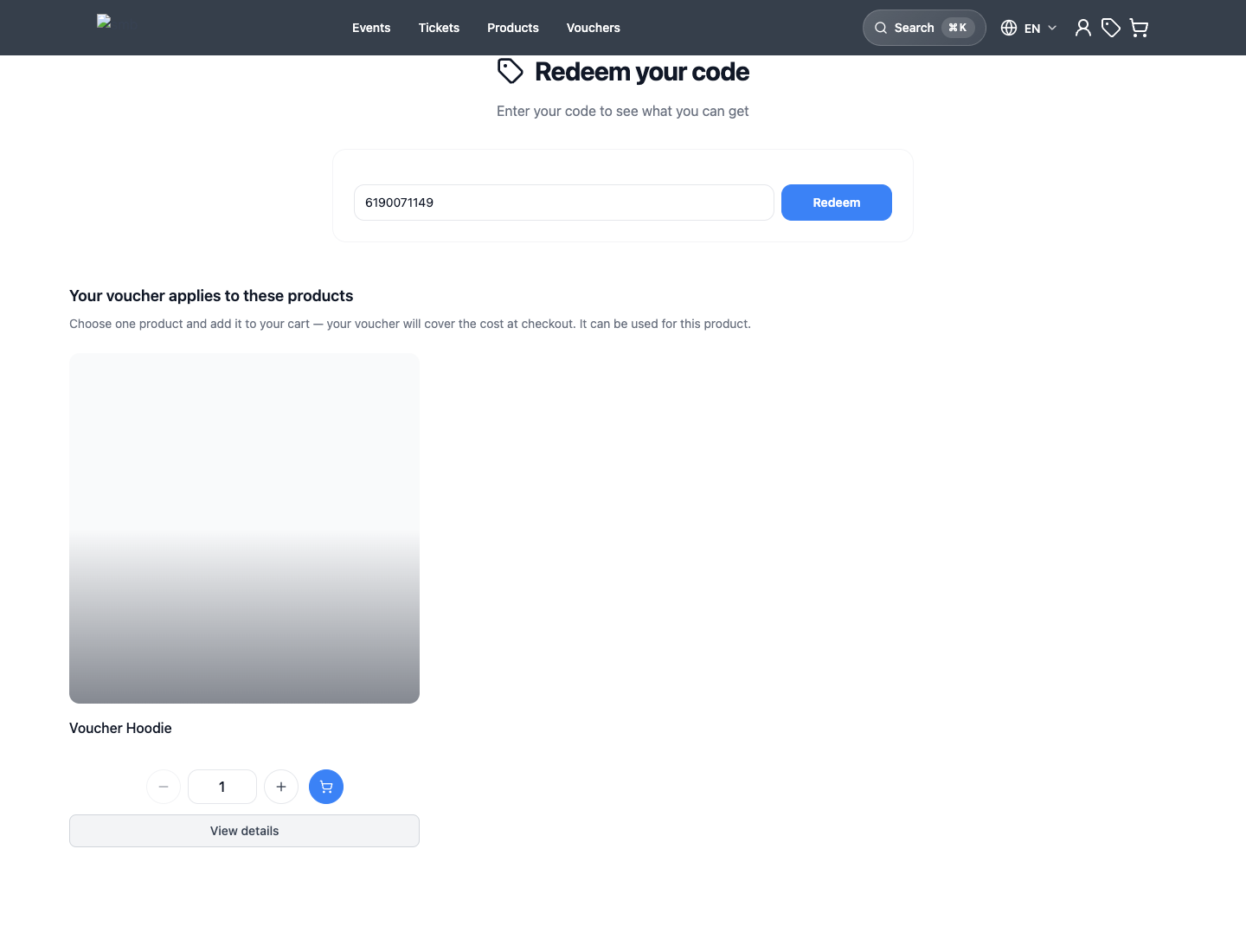
Voucher will not redeem
- Check the code spelling, then find the voucher's original order and confirm its payment state — an unpaid voucher purchase is a common cause.
- Check whether the voucher was already redeemed or its value already consumed.
- Confirm the customer is redeeming an eligible offer in the shop this voucher belongs to, and that the value is applied before checkout completes.
Sell and redeem a voucher covers the full redemption test and its troubleshooting table.
Membership benefit is not applied
Membership problems are almost always identity problems:
- Check that the member signed in to their customer account during checkout. A guest order with the member's email address creates a separate customer record without the membership.
- Open Sales > Customers and search by the exact email. Check for duplicate records — the membership may sit on a different record than the one used for the order. See Clean up duplicate customer records.
- Open the customer that holds the membership and check Membership benefits. Continue with Check membership benefits.
For accounts that use the bLoyal integration, bLoyal calculates its own loyalty prices; see Connect bLoyal.
Expected result
You know whether the failure is a typo, an archived promotion, an unpaid or consumed voucher, a wrong customer record, or an inactive membership — and which record proves it.
