Print tickets, receipts, and vouchers
- Last verified
- Last verified Sep 16, 2026
Use this when a customer needs a printed ticket again, a receipt copy, or a voucher document.
Physical printing happens on the connected KORONA POS. The KORONA Event POS screens send ticket lines to the till's receipt, and the till and its printers produce the printout. KORONA Event contains no printer configuration — printer hardware, drivers, and layouts follow the connected POS system's own setup.
Before you start
Confirm:
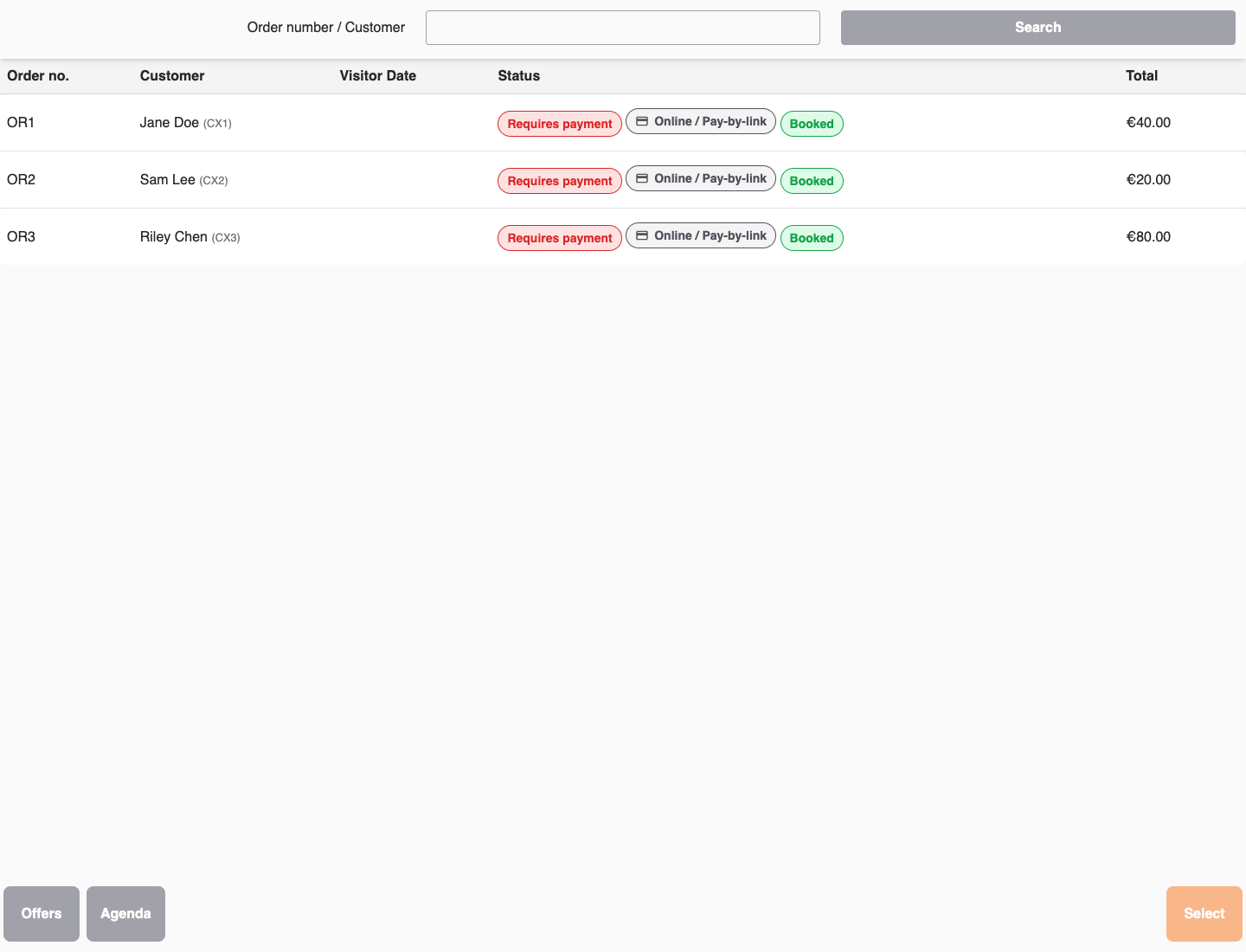
- you can open the KORONA Event POS Orders screen on the till
- the till's receipt printer works for normal KORONA receipts
- for back-office downloads, you have access to the order in the back office
Reprint tickets from the POS
- In the POS, open Orders and find the order, or open the order from the Agenda attendee list with Reprint tickets.
- On the order, select Reprint, then Tickets at the bottom center of the page.
- Tick the Reprint checkbox for each ticket to print again, or use Select all per item.
- Confirm with Reprint. The selected ticket lines are handed back to the KORONA receipt, and the till prints them.
Use Partial pickup on the order instead when the customer collects only part of the tickets now and the rest later.
Print vouchers from an order
Use Reprint → Vouchers to print an issued voucher again, or to print an online purchase for postal delivery.
- Open Orders on the connected KORONA POS and select the order.
- Select Reprint, then Vouchers at the bottom center of the page.
- Select the vouchers by number, or choose Select all. Original value shows the value when the voucher was issued, not its remaining balance.
- Select Reprint. The page stays open while KORONA receives the print request.
- Check the printer, then select Cancel to return to the order.
Use Tickets and Vouchers at the bottom center to switch lists. Your selections are kept while switching. The order must be booked, and the vouchers and their issuance must be synchronized with KORONA. Canceled, locked, and deposit vouchers, and vouchers whose issuance was refunded, are not included. The voucher's print configuration and printer assignment must be set up in KORONA POS.
Printing uses the same voucher number and existing issuance. It does not issue another voucher or add credit. It also does not mark an order as shipped; complete shipping separately.
A sent print request is not confirmation that paper was printed. If the printer does not produce a copy or the page reports an unconfirmed request, check the printer before reopening the page and trying again. Use a back-office download when a physical printout is unavailable.
Receipts
Receipts are produced by the KORONA POS as part of taking payment, not by KORONA Event. For a receipt copy, use the till's own receipt functions.
At a self-checkout kiosk, the configured receipt mode determines what happens after payment:
- With electronic receipts enabled, the kiosk offers Electronic receipt. The customer scans a QR code to receive the receipt by email.
- With electronic receipts disabled, the kiosk prints the receipt automatically.
Printed and electronic receipts both include the KORONA Event order number so staff can match them to the order.
Download tickets and vouchers in the back office
When the till cannot print, or the customer wants a PDF:
- Open the order in the back office.
- On the overview, use the Downloads section: Download all tickets or Download all vouchers.
- For a single attendee, open the order's attendees and use Download ticket or Download voucher on the row.
You can also resend the confirmation email with the documents attached — see Resend a confirmation or ticket.
Expected result
The customer holds a readable ticket with its QR code, a receipt from the till, and voucher documents where applicable — from the till printer when it works, or as PDFs from the back office when it does not.
Troubleshooting
| Problem | What to check |
|---|---|
| Nothing prints after Reprint | Whether the ticket lines arrived on the till's receipt, then the printer in the KORONA POS setup. |
| Printer is offline or jammed | The connected POS system's printer configuration; use back-office downloads or email as the fallback. |
| Ticket prints without a usable code | Download the ticket PDF from the back office and compare; escalate print-layout issues to the POS system setup. |
| Voucher document is missing | Whether the order contains a voucher item and the order is paid; then use Download all vouchers. |
