Integration troubleshooting checklist
Use this when an import, export, membership lookup, POS sync, or entry-system connection is not working as configured.
Start with the integration page
Open Admin > Integrations.
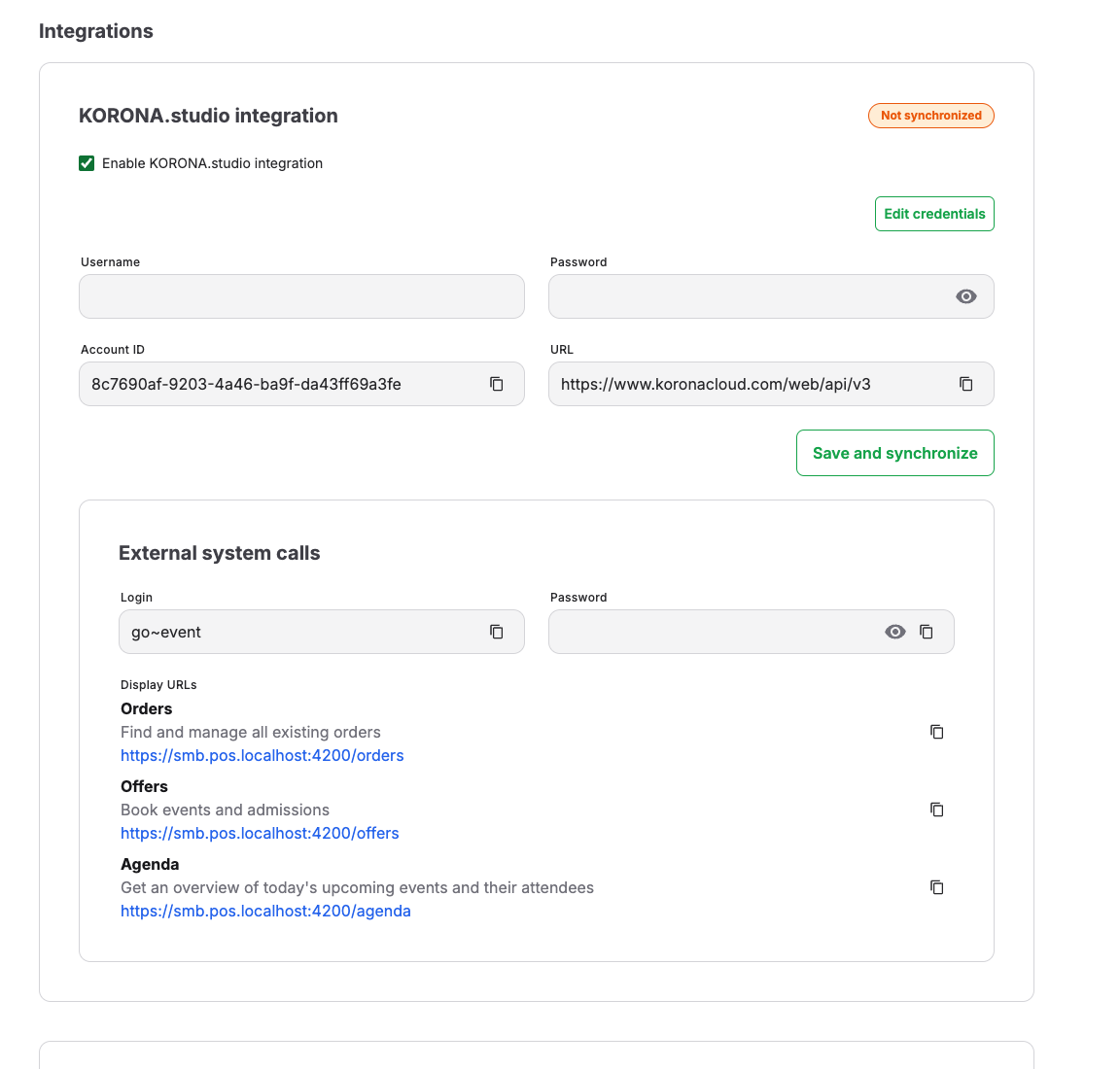
Check whether the relevant integration is enabled, whether credential fields are present, and whether the page shows a connection status.
Identify the affected connection
Determine which integration and direction are affected: import to KORONA Event, export from KORONA Event, scan validation, or membership lookup. Use the order, ticket, customer, or external identifier to make sure you are looking at the same record in both systems before changing either copy.
Safe credential check
Use Edit credentials only when an authorized admin must update credentials. Do not expose passwords or secret keys in screenshots, tickets, chat, or email.
If credentials were recently changed, update the connected system as well when its setup requires the same change.
Expected result
The integration is enabled and connected with the intended credentials, and the affected action succeeds for the matching record.
Troubleshooting
| Problem | What to check |
|---|---|
| External ticket does not scan | Integration enabled state, ticket number, event date, customer identity, and external system status. |
| Customer benefit not applied | Customer email, duplicate customer records, external ID, and membership sync. |
| Credentials were changed | Update both systems where required and retest one known record. |
